HTML
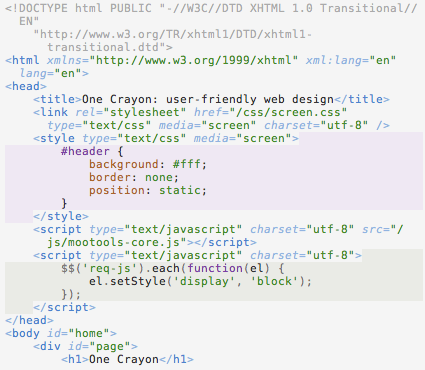

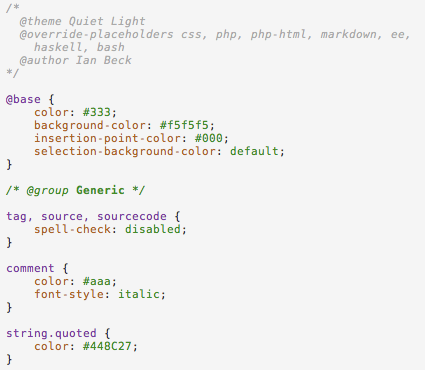
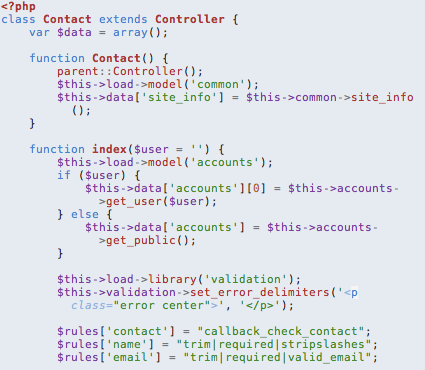
Quiet Light is a light, peaceful theme for Espresso 3+ designed to not only help you read your code, but also enjoy it.
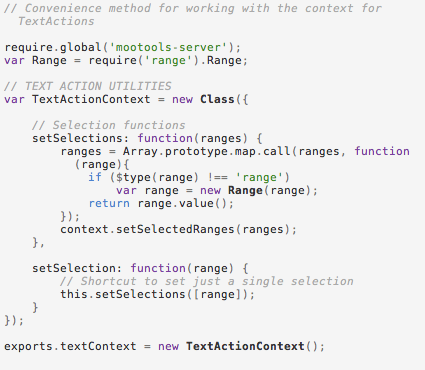
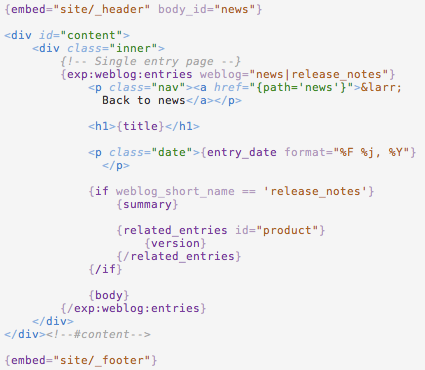
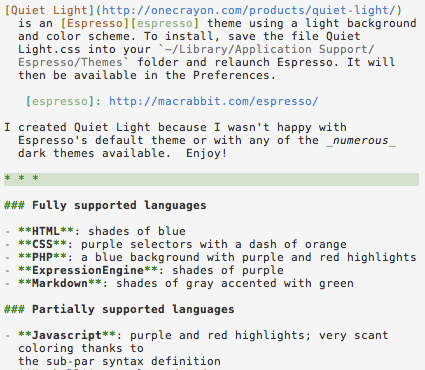
To install, simply move the file Quiet Light.css into your ~/Library/Application Support/Espresso/Themes/ folder and restart Espresso. It will then be available in the Preferences.
I have created an official port of Quiet Light for Visual Studio Code.
Quiet Light has also been ported by third parties to Textmate and Emacs.
The theme is released under an MIT license, so if you wish to port it or modify it please feel free. If you do use or modify Quiet Light, I would love to hear about it.
My name is Ian Beck. I am a designer, developer, and writer. This is my work.


